Guides
Step-by-step guides for running a Minecraft server on your own PC. Everything from "my first server" to "why is my TPS tanking."
What you're actually renting when you pay monthly for a Minecraft server
Server hosting runs $10-20 a month for a modded server, forever. Here's what that buys, what it doesn't, and when a PC you already own does the same job.
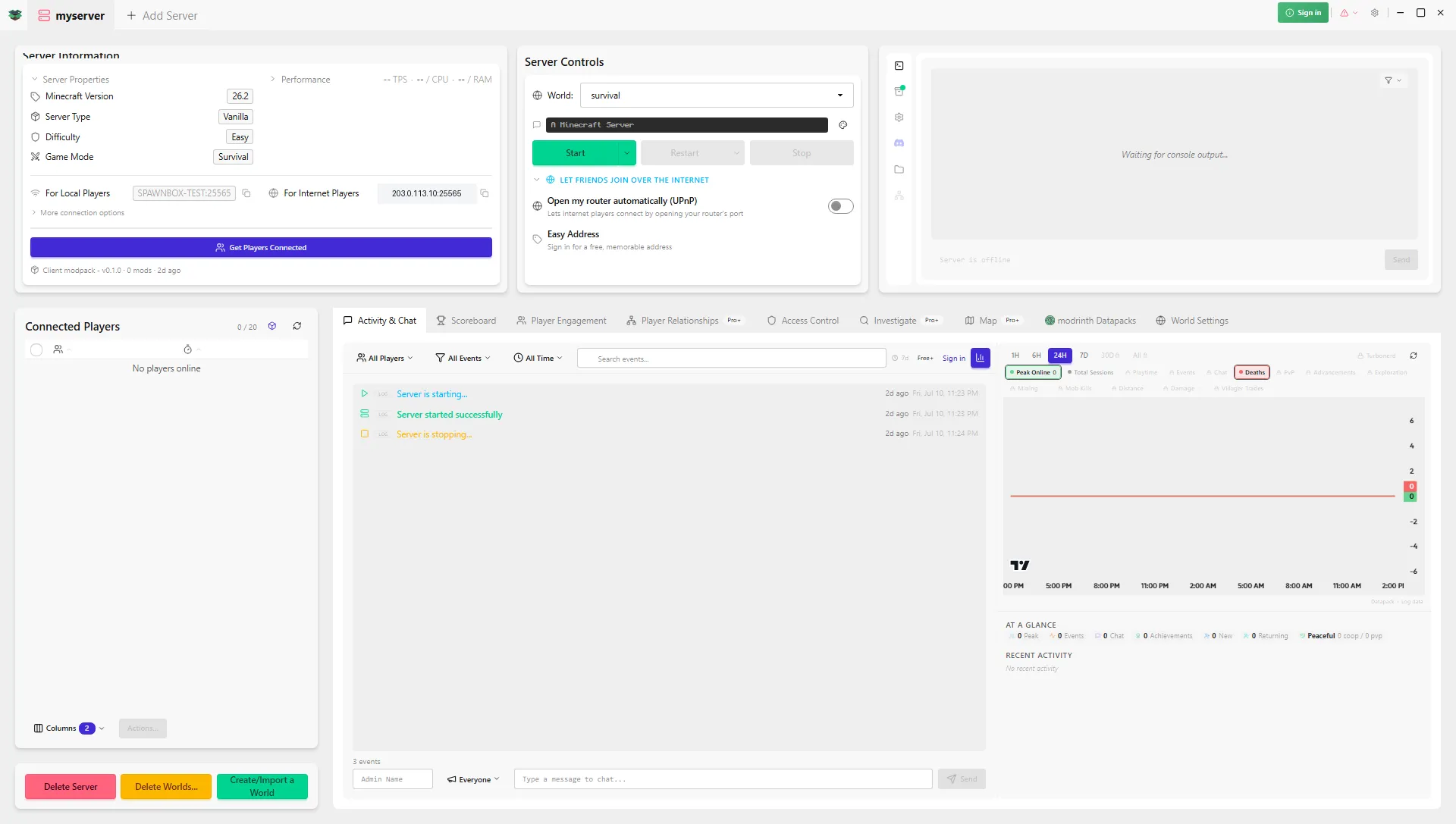
Minecraft server control panel: the simplest way to get one
Want a Minecraft server control panel like Pterodactyl or Crafty? The simplest way to get that same control skips the panel and Docker entirely. Here's how.
How to install mods on a Minecraft server (no command line)
Want mods or plugins on your Minecraft server without the command line? Here's the one-click way, and why that plugins folder looks empty.
Minecraft Realms vs your own server: which should you get?
Deciding between Minecraft Realms and running your own server? Here's an honest breakdown of what each is best at, and which one fits your family and budget.
How to set up a modded Minecraft server for your kids
Your kid wants mods on their Minecraft server? Here's how to set up a modded world their friends can join, and keep an eye on it, without the tech headache.
How to host a Minecraft server for friends (no port forwarding)
Scared of port forwarding? You may not need it. Here's the easy way to get friends onto your Minecraft server, plus the free fix if your internet fights back.
Why your Minecraft server crashes (and how to fix it)
Minecraft server keeps crashing or won't start? It's almost always one of a short list of causes. Here's each in plain English, plus the fix.
Free Minecraft server hosting: Aternos, Minehut, and the always-on alternative
Aternos and Minehut are free, but your server sleeps and friends wait to wake it. Here's how both work in 2026, and a free always-on option for Windows.
Do you need a Minecraft server panel? SpawnBox vs Crafty, Pterodactyl, and AMP
Crafty, Pterodactyl, and AMP are powerful Minecraft server panels for self-hosters. Here's an honest look at each, and a simpler no-panel path for Windows.
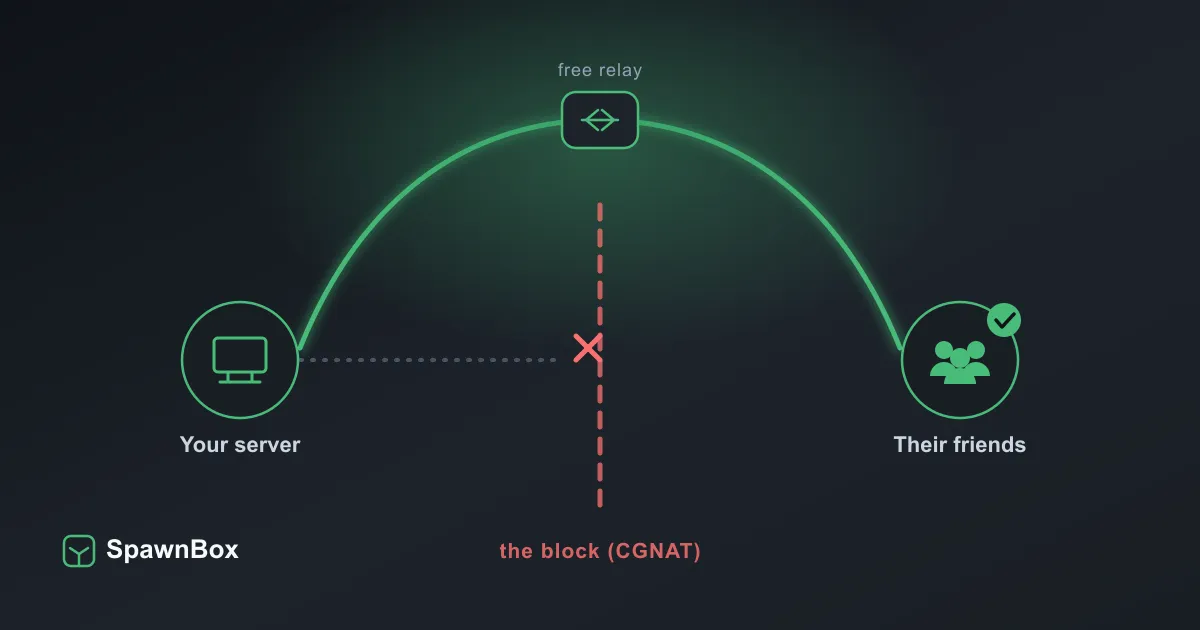
Friends still can't connect? A free fix for tricky internet
Friends can't join your Minecraft server even after SpawnBox set it up? Your internet may be blocking them (CGNAT). A free fix with playit.gg.
How to make a Minecraft server on Windows
Want a Minecraft server on Windows? The easiest way is a free app that does it all, no command line. Here's that, plus the full manual way if you'd rather.
Meet SOS: the rescue tool for when SpawnBox will not open
If the SpawnBox app will not open, SOS is a small rescue tool that can still start, check, and fix your Minecraft servers. Here's how to use it.
SpawnBox vs MC Server Manager
Looking for an MC Server Manager alternative? Both host a Minecraft server on your own Windows PC. The big difference: SpawnBox's free tier runs 24/7.
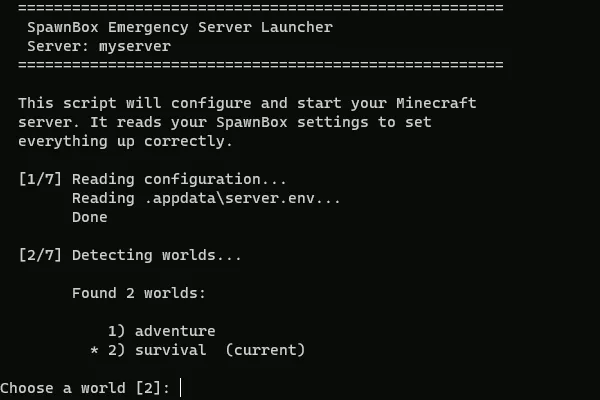
Your world is never locked in: the run.bat lifeboat
Every SpawnBox server folder includes a simple start-up file that can run your Minecraft world on any Windows PC, even without SpawnBox installed.
Stuck on "Containers" during setup? A VPN might be blocking it
If SpawnBox gets stuck on the Containers step during setup, a VPN like NordVPN can block the Linux engine from reaching the internet. Here's the fix.